
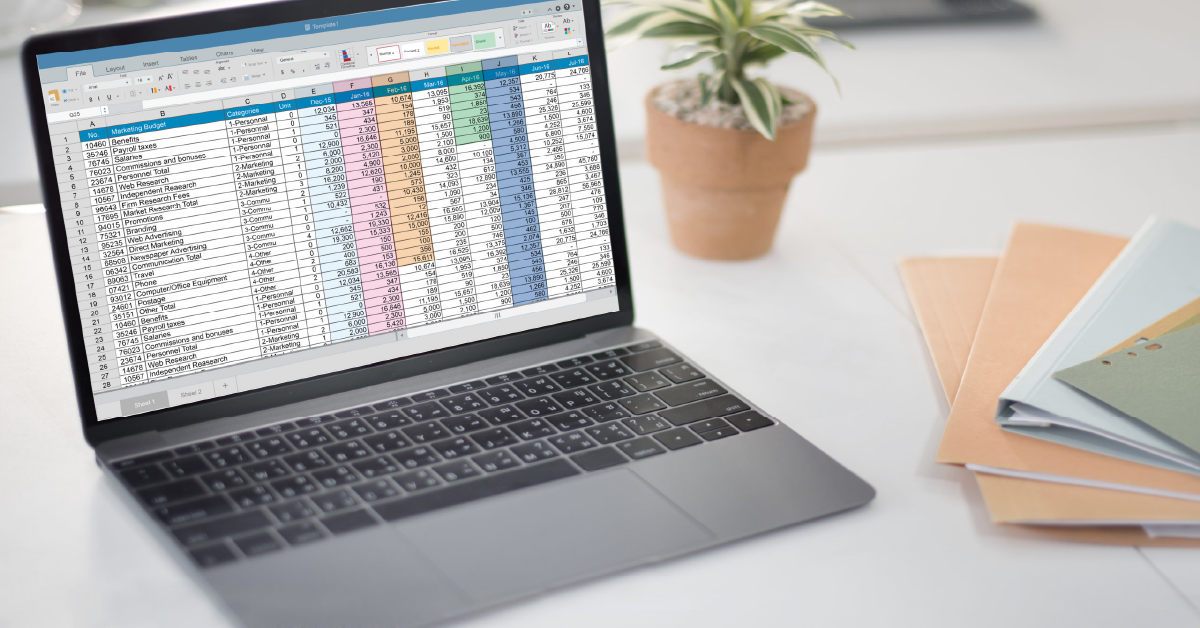
Excel for Business: 5 Smart Ways Small Owners Save Time & Grow Faster
When you’re running a small business solo or with a tiny team, every hour matters. You’re juggling customer conversations, marketing campaigns, inventory tracking, and financial planning – often all in the same day. The good news? Excel for Business remains one of the most powerful, affordable tools you can use to bring order to the chaos, save precious hours, and support sustainable growth without breaking your budget.
If you’ve ever felt overwhelmed by expensive software subscriptions or complicated platforms that promise the world but deliver confusion, you’re in the right place. This guide breaks down five practical, proven ways Excel for Business can transform how you manage your operations, build client trust, and attract more customers – all while keeping things refreshingly simple.
Why Excel Still Matters in 2025
Affordable Power for Small Business Growth
Let’s be honest: as a solo entrepreneur, freelancer, or small business owner, you don’t have unlimited funds to throw at every shiny new software tool. Excel for Business offers a smart alternative. It’s widely available (often included with Microsoft Office), affordable, and doesn’t require a steep learning curve or ongoing subscription fees that drain your cash flow month after month.
Unlike rigid specialized software designed for enterprise companies, Excel adapts to your workflow. Whether you’re a health coach tracking client progress, a consultant managing project timelines, or a product-based business monitoring inventory, Excel templates can be customized to fit your exact needs. This flexibility means the tool grows alongside your business without forcing you into expensive upgrades.
A Tool That Grows with You
Starting small doesn’t mean staying small. Excel’s scalability is one of its hidden superpowers. Begin with a simple expense tracker today, and as your business expands, layer in more sophisticated forecasting models, automated dashboards, or integrated data from multiple sources. You’re never locked into a single use case – Excel evolves as you do, supporting freelancers just starting out and established small businesses alike.
The Hidden Marketing Power of Excel
How Excel Simplifies Marketing Tracking
Marketing can feel like a full-time job on its own, especially when you’re wearing multiple hats. That’s where Microsoft Excel becomes your behind-the-scenes marketing assistant. You can use Excel to plan campaigns, organize content calendars, track email open rates, monitor social media engagement, and calculate ROI – all in one centralized, easy-to-update spreadsheet.
Instead of scattered notes, random screenshots, and lost data, you’ll have a clear, organized system that shows what’s working and what needs adjustment. This structured approach to marketing support for small business helps you make smarter decisions faster, builds consistency with your audience, and ultimately attracts more clients without the stress and overwhelm.
From Data to Decisions – Turning Numbers into Strategy
Numbers tell stories, but only if you can see them clearly. Excel’s charting and visualization features transform raw data into compelling insights. Create simple line graphs to track website traffic trends over time, bar charts comparing campaign performance, or pie charts showing where your leads come from. These visuals make it easier to spot patterns, celebrate wins, and pivot strategies when something isn’t delivering results.
When your marketing data lives in Excel, you’re equipped to answer critical questions: Which social platform drives the most conversions? What content resonates best with your audience? Where should you invest your limited marketing budget next month? Clear answers lead to confident, strategic growth.
Top 5 Excel Use Cases for Small Business Owners
Ready for the practical stuff? Here are five proven ways Excel for Business supports busy entrepreneurs like you:
Use Case #1: Manage Customer Lists and Leads
Building genuine relationships with customers and prospects requires organization. Excel lets you:
- Store contact details and categorize leads by source (referral, social media, event)
- Set follow-up reminders for personalized outreach or special offers
- Track communication history so you never lose context or drop the ball
This simple CRM setup keeps your pipeline visible and your connections strong – no expensive software required.
Use Case #2: Track Expenses and Cash Flow
Financial clarity is non-negotiable for small business survival. Use an Excel cash flow tracker for small business to:
- Log daily expenses and categorize them (supplies, marketing, rent, contractors)
- Calculate profit margins and spot potential cash shortages before they become crises
- Generate monthly summaries automatically, making tax season and budget planning far less painful
No complicated accounting platforms needed – just transparent, real-time insight into your money flow.
Use Case #3: Create Easy Marketing Dashboards
Visualizing your marketing performance makes strategy feel manageable instead of overwhelming. Build Excel marketing dashboard templates that:
- Track key metrics like website visits, email open rates, social engagement, and conversion rates
- Display trends over time using simple charts for quick decision-making
- Plan upcoming campaigns with budget estimates and deadline tracking
This dashboard approach keeps marketing focused, measurable, and – dare we say – fun.
Use Case #4: Manage Inventory and Orders
If you sell physical products, juggling stock levels is crucial to meet demand without overstocking. Excel helps you:
- List product quantities, supplier details, and reorder points
- Monitor customer orders in real time to avoid mix-ups or delays
- Forecast stock needs based on historical sales patterns
Whether you’re selling handmade goods, food products, or retail items, a simple Excel inventory sheet for small business keeps operations smooth and stress-free.
Use Case #5: Plan and Forecast Sales Growth
Looking ahead with confidence requires clear data and smart projections. Excel supports strategic planning by:
- Budgeting future sales based on past trends and seasonal patterns
- Testing “what-if” scenarios to explore how price changes, new products, or marketing investments might impact revenue
- Aligning production and marketing plans with realistic, data-driven goals
This forward-thinking use of Excel keeps your business agile, prepared, and ready for sustainable growth.
Real-World Success Story – How Excel Transformed an Indian Brand
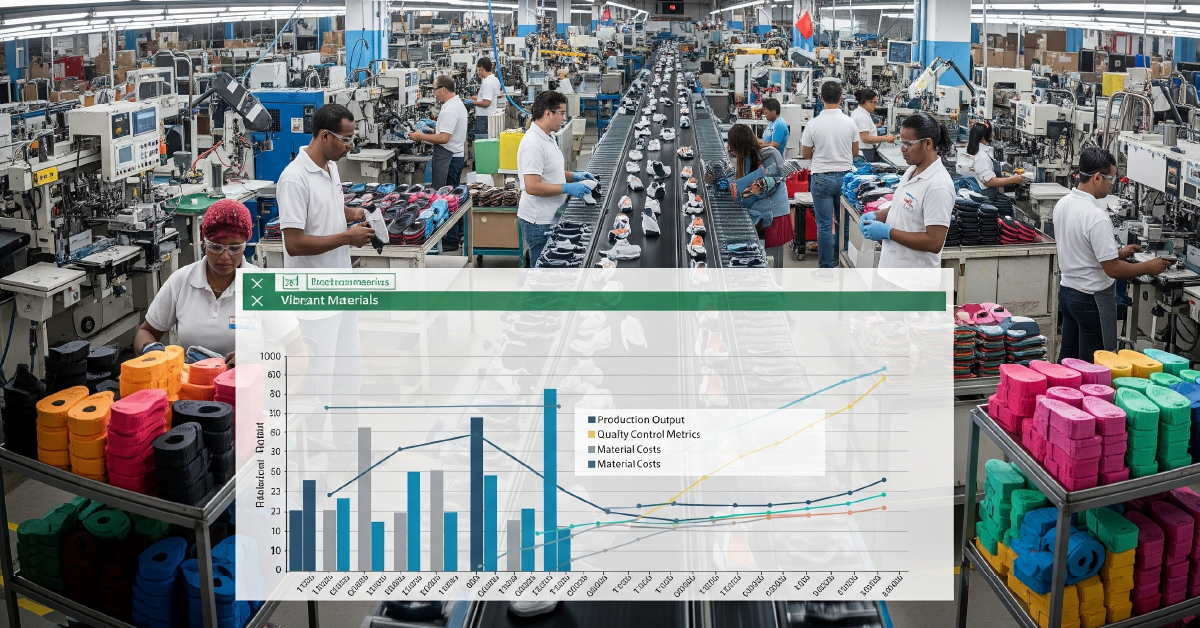
Case Study: Rajesh’s Shoe Manufacturing Business
Meet Rajesh, a small business owner running a shoe manufacturing and e-commerce company in India. As orders from local retailers and online customers grew, managing product inventory, customer data, and order tracking became overwhelming. Rajesh was drowning in manual record-keeping and constantly worried about stock errors.
That’s when he turned to Excel. Rajesh built tailored spreadsheets to:
- Maintain an organized database of wholesale clients, retailers, and direct customers with purchase history
- Track inventory levels of raw materials (leather, soles) and finished products ready to ship
- Monitor monthly sales trends to forecast demand and plan production schedules
- Keep detailed expense records from materials to packaging and shipping costs
The results? Rajesh saved hours each week previously lost to manual tasks, reduced costly inventory errors, and gained crystal-clear visibility into his business operations. With newfound efficiency, he shifted focus to marketing his brand and improving customer service – driving steady, sustainable growth.
Rajesh’s story proves that Excel for Business empowers small manufacturing and e-commerce companies to simplify complex challenges and build lasting trust with customers.
Excel vs. Expensive Business Software
Still wondering if you really need that pricey specialized software? Here’s an honest comparison:
| Feature | Excel | Specialized Software |
|---|---|---|
| Cost | Low (often included in Office) | High monthly/annual subscription fees |
| Flexibility | Highly customizable to your workflow | Often rigid, one-size-fits-all workflows |
| Learning Curve | Moderate, widely known and familiar | Can be steep, often requires formal training |
| Marketing Support | Basic dashboards, tracking, and planning | Advanced automation (but complex setup) |
| Best Suited For | Solo entrepreneurs, freelancers, small teams | Larger companies with specialized needs |
For many small business owners, Excel strikes the perfect balance between power, simplicity, and affordability. You don’t need enterprise-level complexity when you’re building a lean, efficient operation.
Getting Started with Excel for Business
3 Templates Every Small Owner Should Try
Ready to dive in? Start with these essential Excel templates:
- Customer Tracker – Organize contacts, lead sources, and follow-up schedules
- Expense Sheet – Log daily spending, categorize costs, and monitor cash flow
- Marketing Dashboard – Track campaign metrics, content calendars, and ROI
These three templates alone can transform how you manage your business operations and virtual business support needs.
Practical Tips for Better Workflow
Make Excel for Business work smarter for you with these quick Excel tips for small business owners:
- Use conditional formatting to highlight overdue tasks, low inventory, or budget overruns
- Apply filters and sorting to quickly find specific data without scrolling endlessly
- Master basic formulas like SUM, AVERAGE, and IF statements to automate calculations
- Save templates for recurring tasks so you’re never starting from scratch
Small tweaks to your Excel workflow can save hours every week – time you can reinvest into growing your business and serving clients better.
Conclusion – Smart, Simple, and Sustainable Growth

Building a profitable, sustainable small business doesn’t require complicated systems or expensive software subscriptions. What it does require is clarity, organization, and smart tools that support your growth without adding overwhelm.
Excel for Business delivers exactly that. Whether you’re tracking leads, managing cash flow, planning marketing campaigns, monitoring inventory, or forecasting sales, Excel gives you the power to stay organized, make confident decisions, and grow steadily – all while keeping costs low and complexity manageable.
Remember: you don’t have to be a tech expert or a spreadsheet wizard to succeed. Start small, use simple Excel templates, and take manageable steps toward building the efficient, thriving business you’ve envisioned. Tools like Excel, combined with thoughtful marketing support for small business strategies, make the journey easier, less stressful, and far more sustainable.
Ready to take the next step? If you’re curious about why you might not need expensive software at all, stay tuned for our next post: Why You Don’t Need Expensive Software – Excel Can Do It.
You’re not alone in this journey. Smart, accessible tools like Excel for Business are here to help you save time, build trust with clients, and grow with confidence. Let’s simplify success – together.
For more insights on managing your business efficiently, explore resources at Microsoft Excel for Business Essentials.
Written by Muhammed
Muhammed is a graphic designer and virtual support professional with hands-on experience helping small businesses grow through smart marketing and design. He shares practical strategies that save time, build trust, and See how he helps entrepreneurs succeed without overwhelm.